
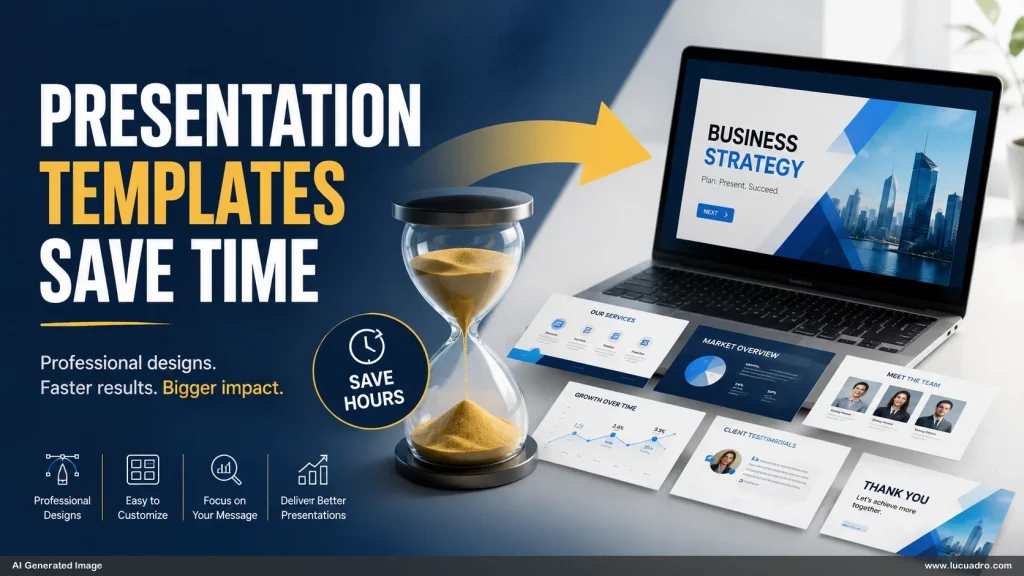
Most presentations take longer than expected, even when the content is already available. The delay rarely comes from writing the message. It comes from rebuilding the visual structure every time a new deck begins. Titles need placement, layouts need selection, images need positioning, and every slide requires dozens of small decisions. Individually these decisions seem minor. Collectively they create a significant hidden cost that slows down every presentation project.
Every new presentation starts with the same decisions
A blank slide appears simple, but it immediately creates a long list of choices. Should the content be displayed in columns or rows? Should the visual appear on the left or right? Does the slide need a diagram, a comparison, a framework, or a timeline? Before any meaningful content is communicated, the presenter is already solving design problems.
This process repeats for every new deck. Whether you are creating a workshop, sales presentation, strategy proposal, training session, or executive briefing, the same visual questions appear again and again. Most people rebuild solutions they have already solved dozens of times before.
Decision fatigue quietly reduces productivity
The largest cost of starting from scratch is not time alone. It is cognitive energy. Every design choice consumes attention that could be spent improving the message itself. By the time several slides are completed, many presenters have spent more effort deciding where information should go than refining the quality of the information.
This creates a predictable pattern. Progress feels slow. Design consistency suffers. Deadlines become tighter. The presentation gradually becomes a collection of individual slides rather than a coherent communication system.
Business presentation templates eliminate repetitive work
Professional communicators often appear significantly faster than everyone else. The reason is not necessarily greater design skill. In many cases they rely on business presentation templates that already contain proven visual structures.
A strong template removes repetitive decisions. The title area is already defined. The content regions are already organized. The hierarchy is already established. Instead of deciding how to build the slide, you can focus on what the slide needs to communicate.
Reusable slide systems create better presentations
Templates provide more than speed. They create consistency. When slides share common spacing, alignment, proportions, and hierarchy, the audience experiences the deck as more professional. The presentation feels intentional rather than assembled page by page.
This is where reusable slide systems become especially valuable. Framework slides, process diagrams, comparison layouts, section dividers, and summary pages can all work together as part of the same visual language.
Saving time allows you to focus on communication
The goal of a presentation is not to design slides. The goal is to communicate ideas clearly. Every hour spent recreating layouts is an hour that could have been spent strengthening arguments, refining insights, or improving the audience experience.
Presentation templates save time because they remove unnecessary repetition. Instead of beginning every project from zero, you start with a structure that already works. The result is faster production, stronger consistency, and presentations that feel more professional from the first slide to the last.